Casual Reading app icon

乱翻书

安静地读一本 PDF

luanpdf.com

Windows 10 / 11 Linux · deb PDF only Local · no account Curl page turn Portrait reading Zone zoom U/M/L Dual display Ctrl+1/2 Space for shortcuts
↓ Download Features

v2.8.1 · Free · Windows & Linux x64

Showcase

Reading the way it should feel

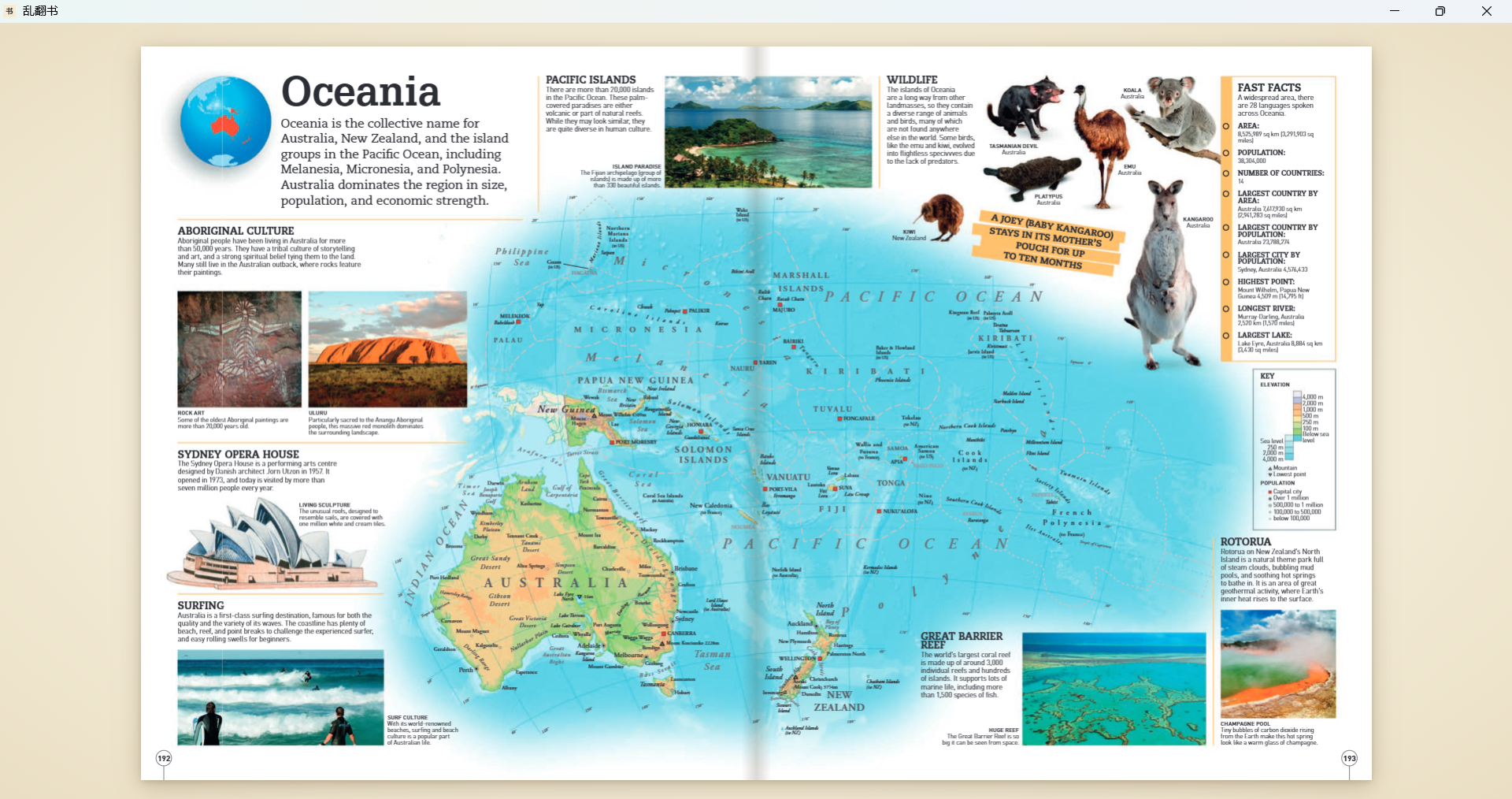
Immersive reading
Immersive reading Paper-toned background · centered page · no toolbar clutter · menu appears when you move to the top
Top zoom · U
Top zoom · U Click upper third or press U · fills width · whole section visible
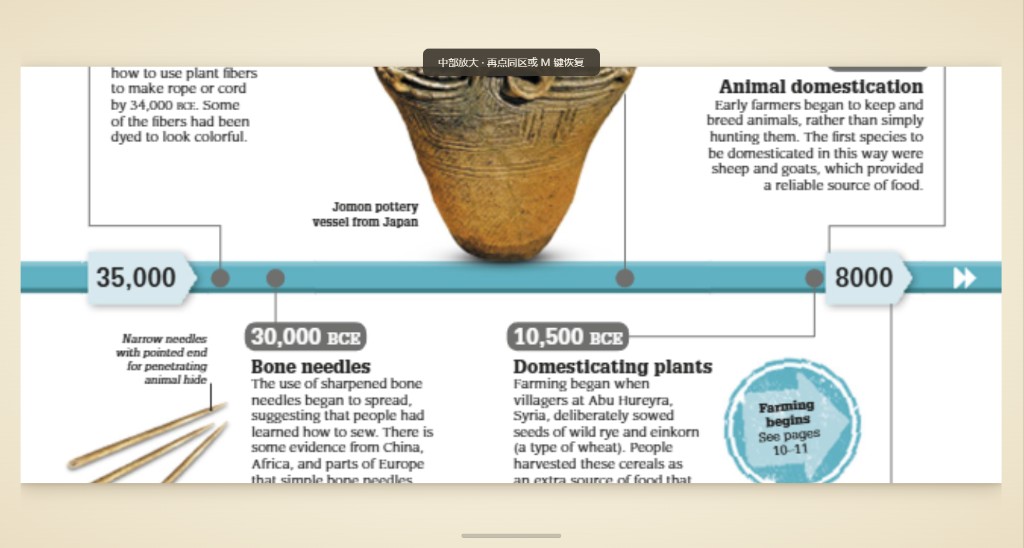
Middle zoom · M
Middle zoom · M Click middle third or press M · great for wide timelines and charts
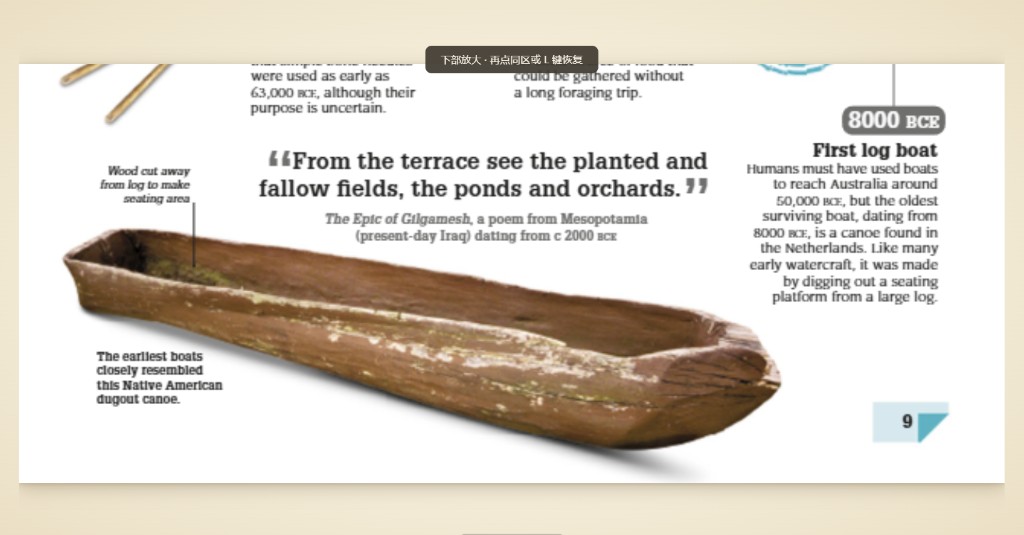
Bottom zoom · L
Bottom zoom · L Click lower third or press L · footnotes and page numbers stay in view
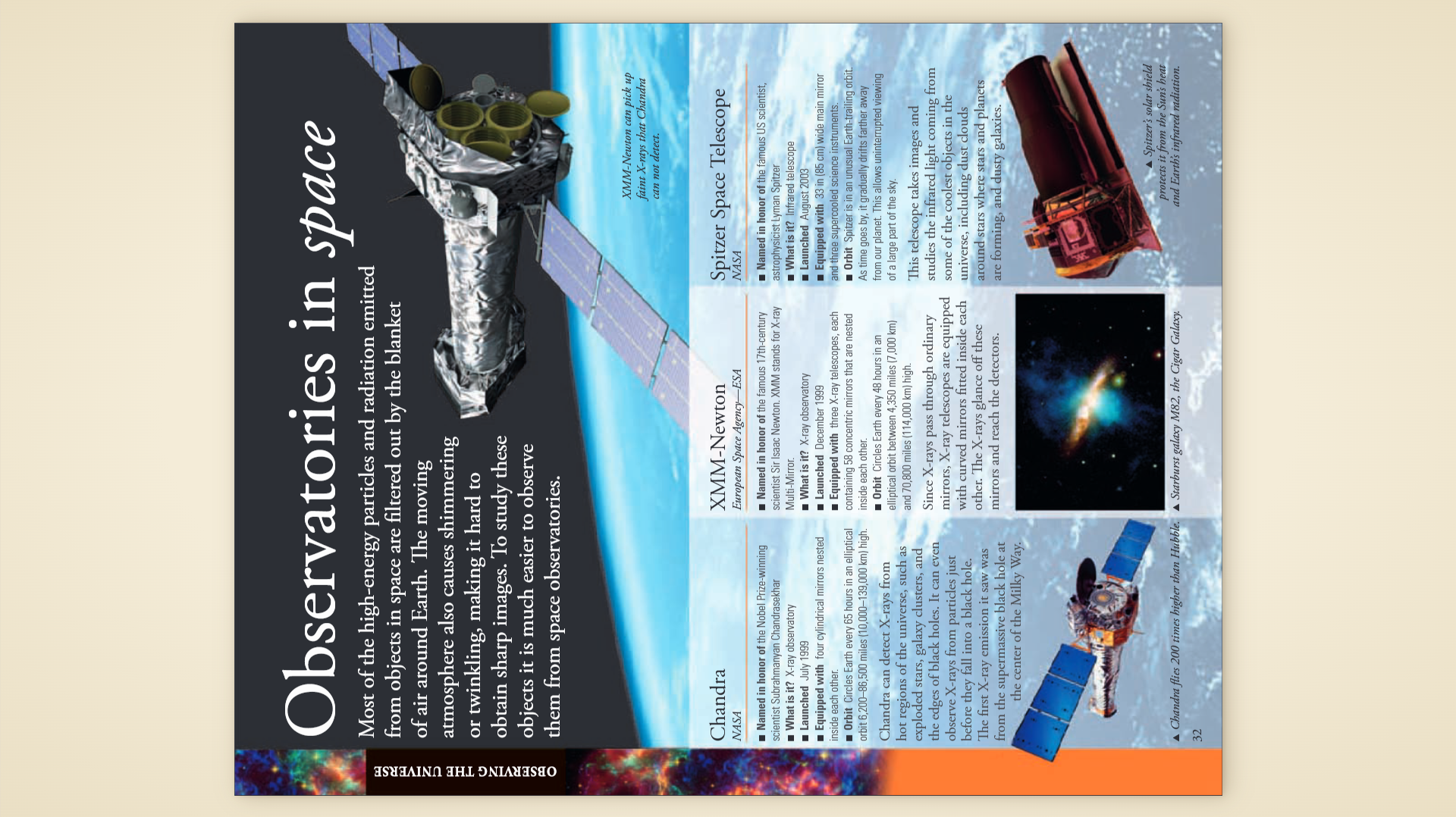
Portrait reading
Portrait reading Press R to rotate 90° · stand the laptop upright · A4 fills the screen · arrow keys turn pages
Curl page turn Paper-roll curl animation · switch to slide anytime · preference saved
Bookmarks
Page 12
Page 45
Page 88
Bookmarks Press B to mark the current page · red ribbon marker · jump from the panel

Features

Built for reading, nothing extra

🔎
Zone zoom U / M / L
Split the page into top, middle, and bottom thirds. One tap zooms a zone to near full screen. Tap again or Esc to restore.
📖
Spread view
Press D for single or spread. Cover stays alone, then pairs side by side like a printed book. Portrait mode falls back to single page.
📄
PDF only, done well
No ePub, comics, or annotation editing. Open locally, no account, no network calls.
🌀
Curl / slide turns
Curl animation or classic slide. Switch anytime; your choice is remembered.
📱
Portrait rotation
Press R to rotate 90° and stand the laptop. A4 pages nearly fill a vertical screen—uncommon elsewhere.
🔖
Personal bookmarks
Press B on any page. A red ribbon appears; open the panel to jump or manage marks.
💾
Auto-saved progress
Each book remembers page and zoom. Reopen and continue without manual bookmarks.
Space · shortcut cheat sheet
While reading, press Space for a floating shortcut list. Space or Esc closes it—no memorizing required.
🖥
Dual-display switch
Ctrl+2 moves to the secondary display maximized; Ctrl+1 returns to primary. Top bar button too—notes on main, PDF on second screen.
📑
Built-in PDF outline
If the PDF has a table of contents, open the side panel and jump to chapters with nested levels.
🖼
Minimal immersive UI
No toolbar by default; move to the top edge to reveal controls. Paper margins around the page like a book on a desk.
🔍
Zoom & page jump
Ctrl+scroll to zoom, Ctrl+0 to reset fit. Ctrl+G to jump to a page number.

Shortcuts

Keep your hands on the keyboard

Turn pages PgDn PgUp
Shortcut listSpace show / hide · Esc close
First / last pageHome / End
Go to pageCtrl+G
Bookmark toggleB
Zone zoomClick top/middle/bottom third · U M L · Esc reset
Spread viewD (cover alone, then pairs)
PortraitR (cycle direction)
Primary / secondaryCtrl+1 primary · Ctrl+2 secondary (maximized)
FullscreenF11
ZoomCtrl+wheel · Ctrl+0 reset
Open fileCtrl+O
Close panelsEsc

Get it now

Free download, ready to use

Casual Reading v2.8.1
luanpdf.com
Windows
↓ Windows installer

Windows 10 / 11 · x64 · NSIS

Linux
↓ Download .deb

Debian / Ubuntu / Mint · amd64

macOS
即将推出

v2.5

安装后从开始菜单启动,或将 PDF 拖入窗口。
Linux:sudo apt install ./luanpdf_*_amd64.deb

支持

觉得好用?请作者喝杯咖啡

LuanPDF 永久免费。打赏完全自愿,用于支持持续维护与新功能。

☕ Buy Me a Coffee

自愿打赏,非购买;软件功能不受影响。

联系

请求增加支持的语言

希望 LuanPDF 支持哪种语言?告诉我们,我们会逐条阅读发至 support@luanpdf.com 的来信。

将打开邮件客户端,收件人为 support@luanpdf.com,并复制表单内容到剪贴板。